Convert point cloud to shape polygon using PostGIS
Consider you have point cloud in your map and your interested to find the polygon boundary. The example below shows the points cloud of **Spearfish archeological sites**.
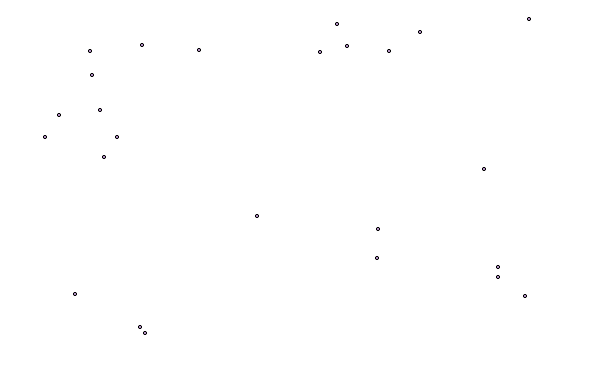
For the above points if we want a polygon boundary, we could achieve the solution using PostGIS ***ST_Concavehull*** function.
CREATE table S_polygon AS SELECT ST_ConcaveHull(ST_Collect(geom),0.35) FROM tasmania_arc
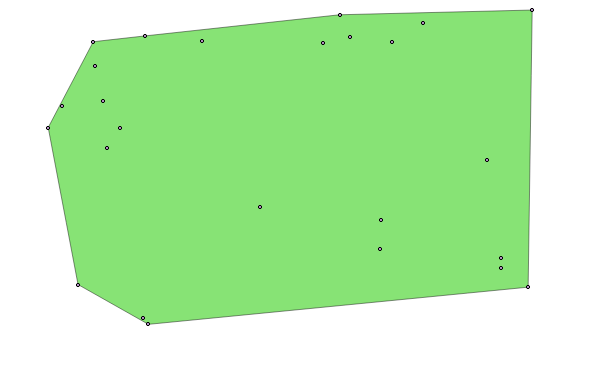
The concave hull of a geometry represents a possibly concave geometry that encloses all geometries within the set. Defaults to false for allowing polygons with holes. The result is never higher than a single polygon.
The target_percent is the target percent of area of convex hull the PostGIS solution will try to approach before giving up or exiting. One can think of the concave hull as the geometry you get by vacuum sealing a set of geometries. The target_percent of 1 will give you the same answer as the convex hull. A target_percent between 0 and 0.99 will give you something that should have a smaller area than the convex hull. The result of the above query result is as shown: