Map Viewer using Leaflet
It's always been fascinating working with Geographic Information Systems, mainly seeing the advacements from Google Maps, OpenstreetMaps and others. The challenge is to build solution to a problem geographically, which could ease the user who wants to find solution w.r.t to his/her Geocapture.
The idea in this blog is certainly trying to incorporate what was seen in Leaflet basic introduction . The blog explores how a plugin can be incorporated well for our basic needs. In this case the need is how you want to see your Geo-capture (data containing geographical inforamtion with some attributes, eg: Shapefiles). Instead of using a open source tool or online tool, the idea of designing your own tool is more satisfying.
Let's start over to the step by step process of building a Map Viewer using Leaflet
- The first step is desiging the map using the leaflet API as discussed in the previous blog.
- Note that the control display of map option enables different Basemaps view. The example snippet for the different view is as shown below.
  // Basemaps

												var topographic=L.esri.basemapLayer("Topographic").addTo(map);


										var Esri_WorldImagery = L.tileLayer('https://server.arcgisonline.com/ArcGIS/rest/services/World_Imagery/MapServer/tile/{z}/{y}/{x}', {
       									attribution: 'Tiles © Esri — Source: Esri, i-cubed, USDA, USGS, AEX, GeoEye, Getmapping, Aerogrid, IGN, IGP, UPR-EGP, and the GIS User Community'}).addTo(map);


 												// Mapview control

										 	    var baselayers = {

         														  "Topographic" : topographic

          														  "GoogleEarth" : Esri_WorldImagery

                                                                };
- After the basemap views
(baselayers) are updated, its time for the leaflet to add it to the map layers.L.control.layers(baselayers).addTo(map);.
- Once the Leaflet map have been updated as per the code, you should see the output as follows:
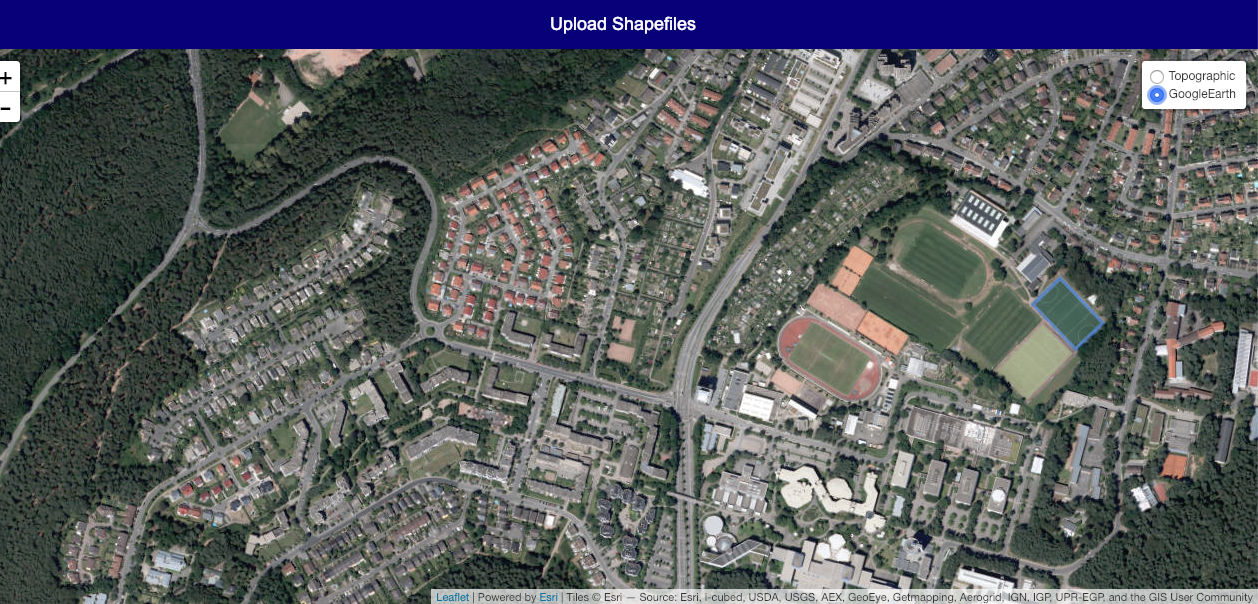
- The next step is all about exploring the Leaflet Plugins. As stated above we want to upload our geo-capture to see in our Mapview. I am using the Leaflet.Shapefile plugin, which you need to embedd in your code.
- Make sure you have added the shapefile control to your script. The code snippet is as follows:
// Shapefile controlIf you have followed the steps correctly, you should get the final screenshot with the uploaded shapefile image content in
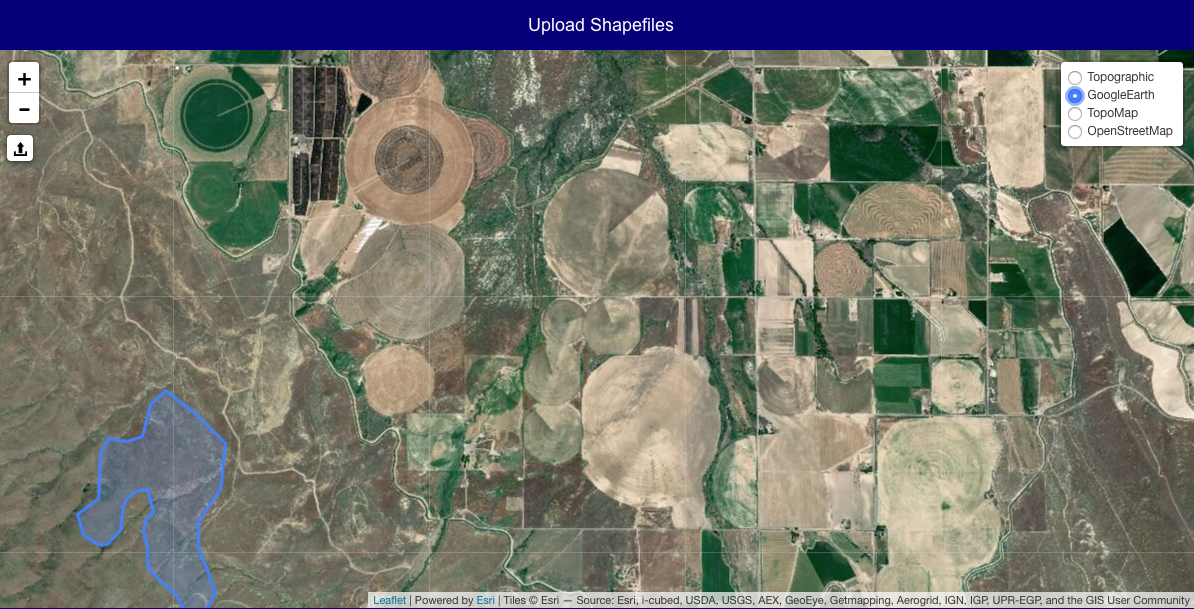
L.control.shapefile({ position: 'topleft' }).addTo(map);blue as seen:
The map viewer is designed using Leaflet. The user needs to upload his/her Shapefile in .zip format. The end result is a map view of the Geo captured information in the .zip file.
Live demo here